 Despatch Sync
 Shopify app · UK sellers using Royal Mail Click & Drop
Orders to Click & Drop. Tracking back to Shopify.
Paid orders go to your Click & Drop account using your own API key. When you buy the label, the Royal Mail tracking number is added to the Shopify fulfilment and Shopify can email your customer.
- Automatic retries and a 10-minute catch-up sweep
- Plain-English errors with a Retry button
- Orders already in Click & Drop are linked, not duplicated
Status Coming soon to the Shopify App Store · 14-day free trial · billed by Shopify in GBP
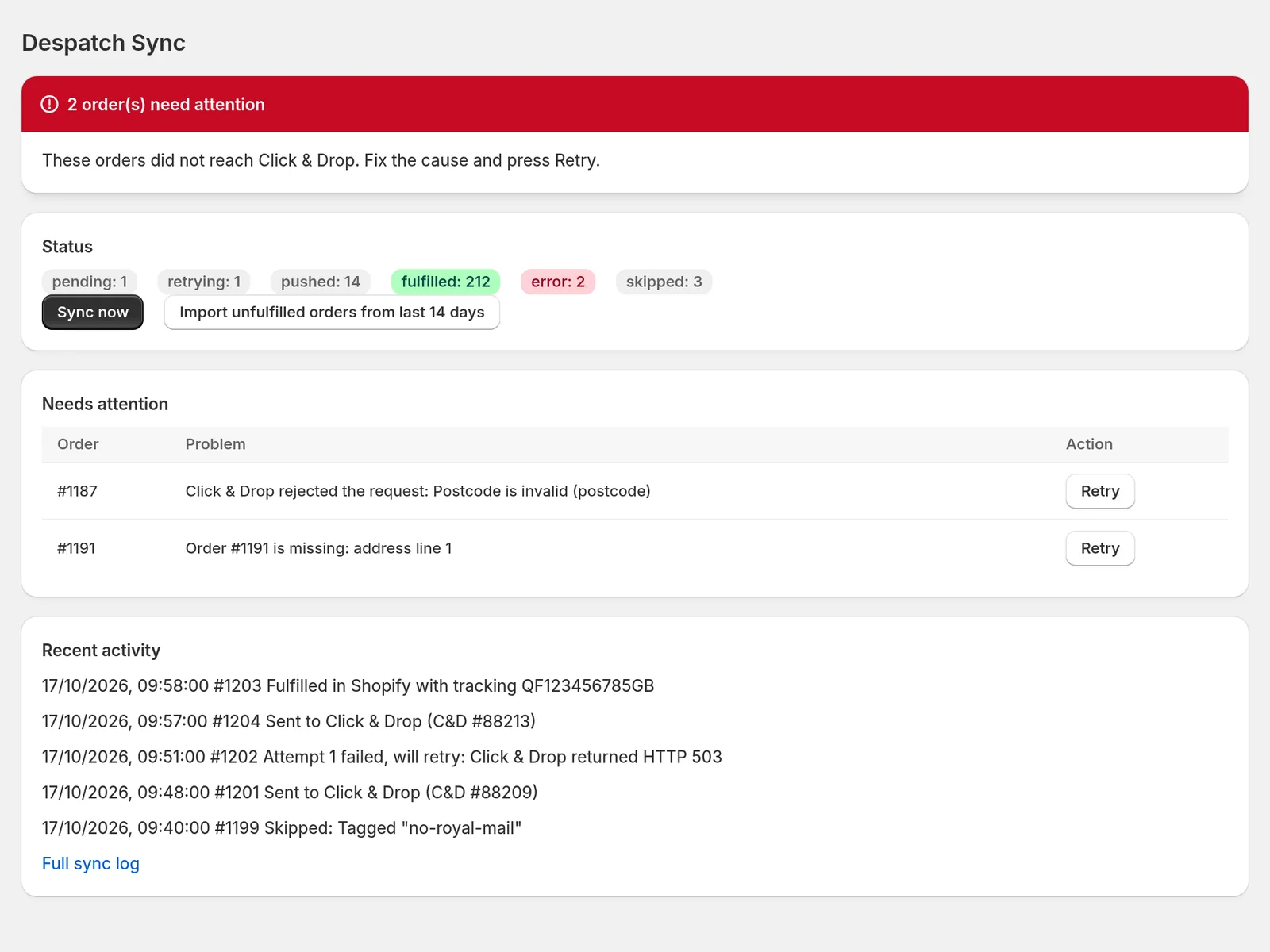
Inside the app
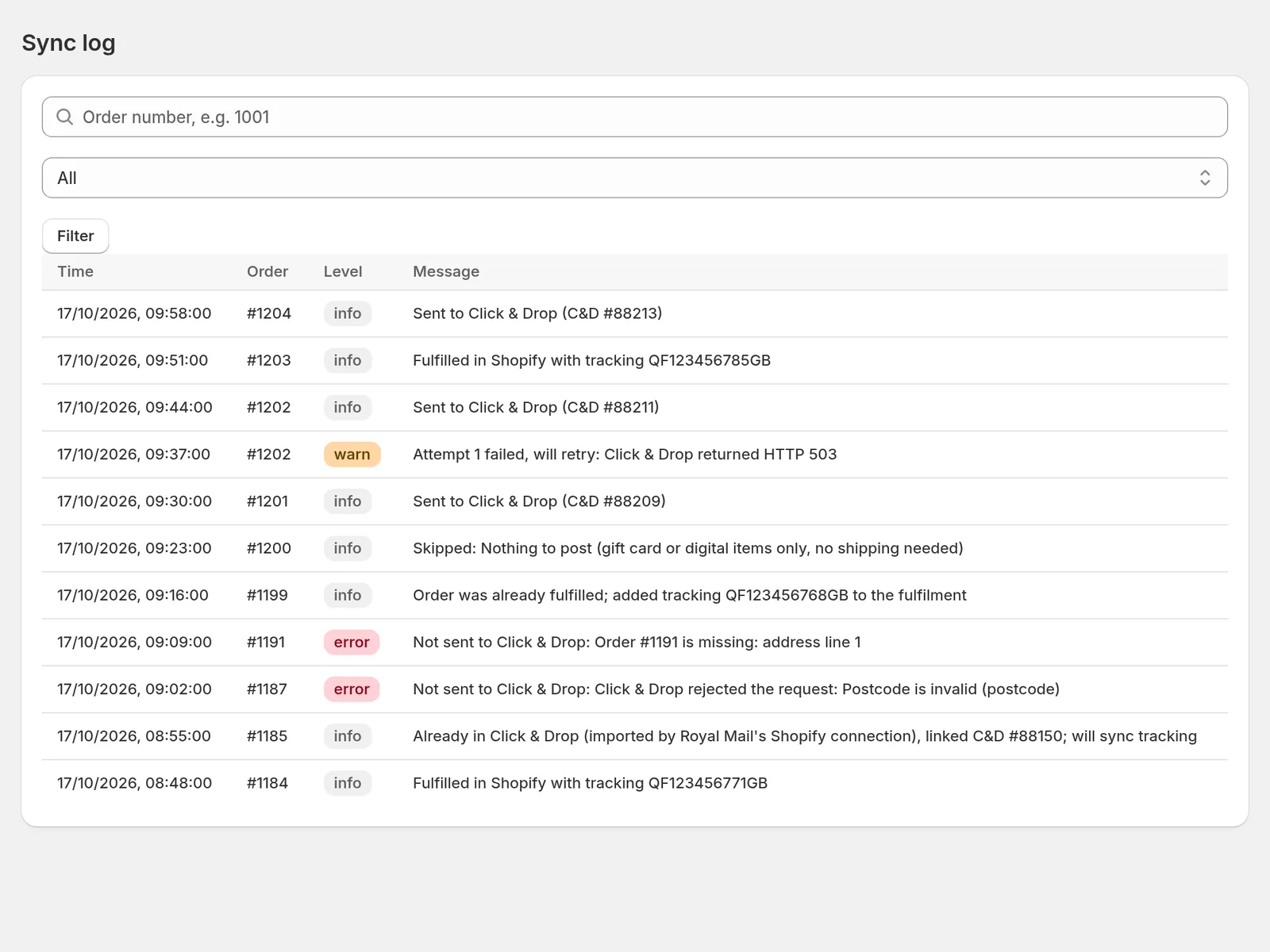
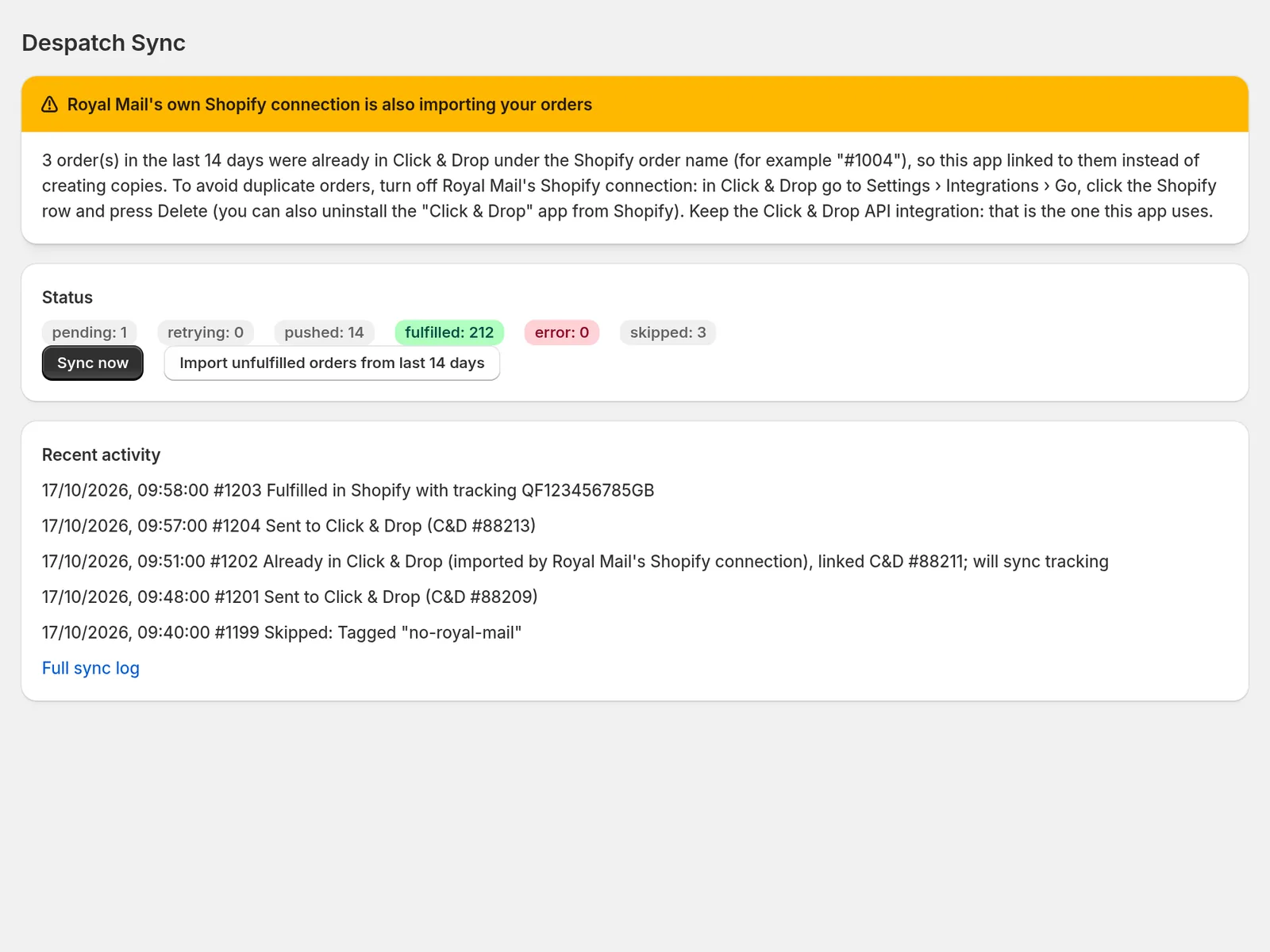
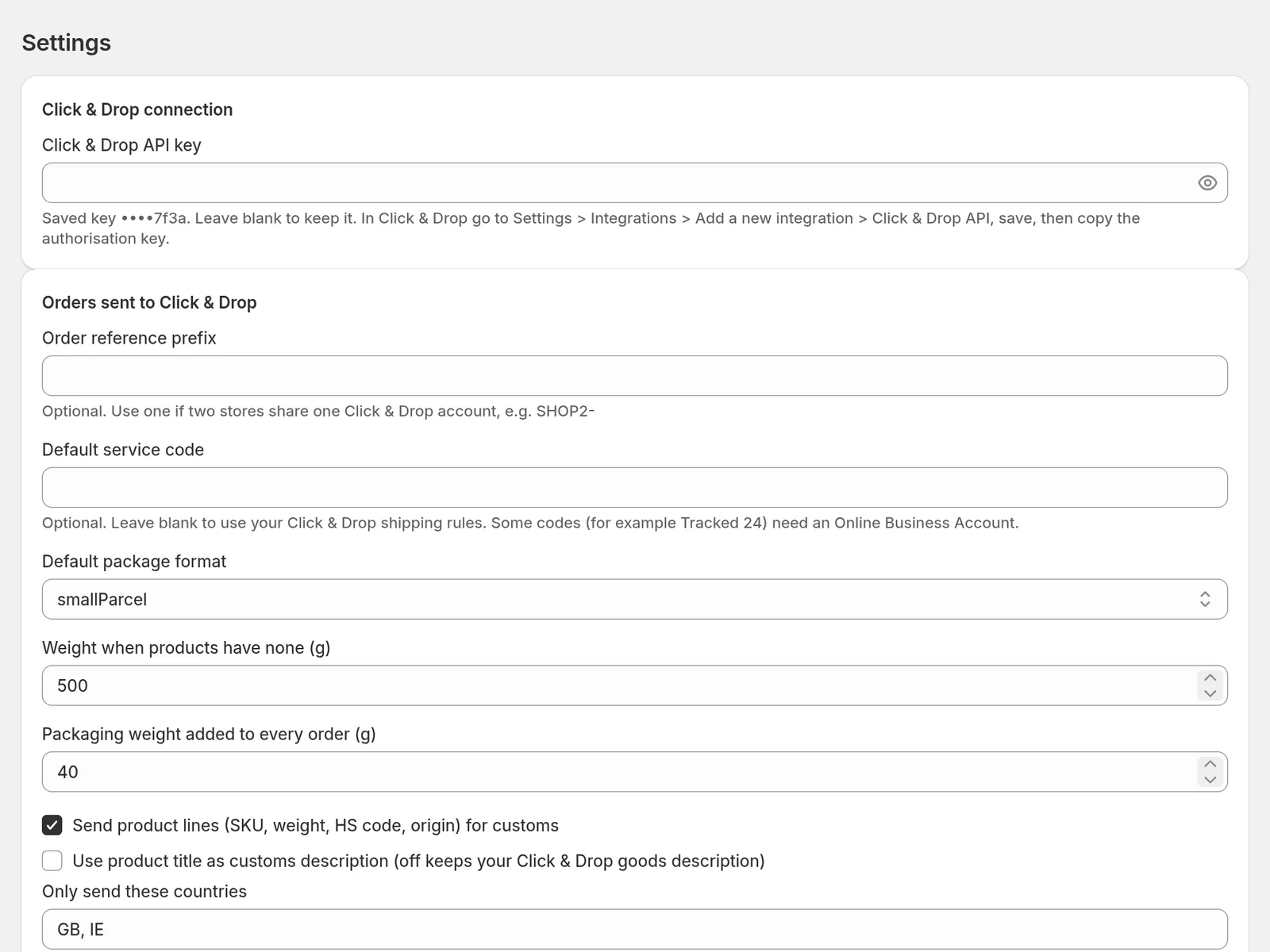
Screens rendered from the real app components with sample data. These are the App Store screenshots.
How it works
Three steps. Labels stay in Click & Drop; the app handles the Shopify side.
- 1
Connect Click & Drop
Install the app and paste your Click & Drop API key, free from Settings › Integrations › Click & Drop API. Import up to 100 of your most recent unfulfilled orders from the last 14 days (90 on Pro).
- 2
Paid orders are sent
Once you have saved your Click & Drop API key and started a plan or free trial, each paid order is sent as soon as it is paid, unless it carries your skip tag or ships to a country outside your allow list. Weights come from your variants, with a default weight and a packaging allowance.
- 3
Buy the label, tracking comes back
Buy postage and print the label in Click & Drop as now. The tracking number is added to the Shopify fulfilment, checked every 10 minutes, and Shopify can email your customer.
Plans
14-day free trial on both plans. Billed by Shopify in GBP every 30 days.
| Feature | Starter£4.99 every 30 days | Pro£9.99 every 30 days |
|---|---|---|
| Orders | Unlimited | Unlimited |
| Order and tracking sync, retries, needs-attention queue, duplicate protection, sync log | Included | Included |
| Import unfulfilled orders | Last 14 days, up to 100 orders | Last 90 days, up to 100 orders |
| Support | Email, 2 working days | Priority, same working day |
Frequently Asked Questions
How the app behaves today. The privacy policy has the full data details.
Do I still buy postage in Click & Drop?
Yes. Postage is still bought and labels printed in your Click & Drop account, as now. The app never buys postage.
What do I need to use it?
A Royal Mail Click & Drop account and its API key, which is free from Settings › Integrations › Click & Drop API. Printing labels works on any account; some service codes, for example Tracked 24/48, need a Royal Mail Online Business Account.
How does the tracking number get back to Shopify?
When you buy the label in Click & Drop, the tracking number is added to the Shopify fulfilment, and Shopify sends its shipping confirmation email if you want it to. If you already marked the order fulfilled by hand, the tracking is added to that fulfilment. It is checked every 10 minutes.
What happens when an order fails?
Failures are retried automatically with backoff, and a sweep every 10 minutes catches anything missed. Orders Royal Mail rejects are listed on your dashboard with the reason and the field, for example "Postcode invalid (postcode)". Fix it, then press Retry.
Will my orders be duplicated if Royal Mail's own app is connected?
Before creating an order, the app checks Click & Drop for it, in both its own reference format and the format Royal Mail's own Shopify connection uses ("#1004"). If it is already there, the app links to it rather than creating a copy, and the dashboard tells you how to stop double imports.
Which orders are skipped?
Gift cards, digital items and orders with no shipping address are skipped and logged. Orders tagged with your skip tag (no-royal-mail by default) and orders shipping to a country outside your allow list in Settings are not sent either. Paid orders wait in the queue until your Click & Drop API key is saved and a plan or free trial is active.
What data do you store?
Your shop domain, your app settings and your Click & Drop API key, which is encrypted at rest with AES-256-GCM, plus one sync record per order and a sync log. We do not store customer names, addresses, phone numbers or email addresses: they pass from Shopify to Click & Drop when an order is sent. Sync log entries are deleted after 180 days. Sync records for orders that are fulfilled, skipped or in error are deleted 180 days after their last update; records still waiting to be sent or waiting for tracking are kept until the order completes or your shop data is deleted. A log of when the app read an order's customer details (order ID, order number, fields read and purpose) is kept for 30 days.
What happens if I uninstall?
Your session and your stored Click & Drop API key are deleted straight away and all syncing stops. All data for your shop is deleted within 48 hours of Shopify's shop/redact notice, which Shopify sends 48 hours after you uninstall.